Barcodegen — Barcode Scanner App for Android
A free barcode scanner app that also generates 13 formats offline. Scan UPC, EAN, QR, Code 128 and more, with smart actions on every scan, a searchable local history, and CSV export on Pro. Built by the team behind BarcodeGen.org.
What Barcodegen Does
Fast camera scanning
MLKit-powered barcode reader decodes every mainstream 1D and 2D format in 80-150 ms on modern Android phones.
13-format generator
Create QR, UPC, EAN, Code 128, Code 93, Data Matrix, Aztec, PDF417 and 5 more — identical output to the web tool.
Offline-first
Scan, generate, browse history, and export without a network. The rendering engine ships inside the app.
Smart actions on scan
URLs offer Open, Wi-Fi QRs offer Join, vCards offer Add Contact, email and SMS open the right compose screen.
Scanner + Generator in One App
Most mobile barcode scanner applications do one thing well. A barcode reader app decodes codes but cannot create them. A generator app creates codes but cannot scan. Barcodegen does both because the underlying workflows are the same: encode a value, decode a value, keep a history, save what matters. Splitting those into two separate apps wastes install slots on your home screen and duplicates settings, permissions, and subscription management.
The app also shares code with the web generator. The barcode rendering engine on barcodegen.org is bwip-js, the open-source implementation of the Barcode Writer in Pure PostScript standard. The mobile app loads the same library inside a WebView, which means the barcode a customer scans from the app matches the barcode produced by the web generator bit-for-bit. For anyone who currently uses a separate barcode scanner app for Android and a different barcode generator app, the combo removes a cross-tool verification step and consolidates two install slots into one.
Three Ways People Use the Barcode Scanner App
Use it as a UPC scanner at the supermarket, scan a QR code on a boarding pass or concert ticket, or scan any EAN on imported goods. The decoded value lands in a scrollable local history you never need an account for, and URLs open one tap away.
Generate Code 128 SKU labels on the phone without a laptop, save a collection of your most-used codes, and reopen them in full-screen mode at the packing table. Pro CSV export lets you hand the month's scan log to a bookkeeper as a spreadsheet — the app doubles as a lightweight barcode label generator when you need a quick print-ready code.
Use Barcodegen as an inventory barcode scanner app: scan shelf locations and SKU labels into the local history, star the items flagged for restock, and export the shift log to CSV at end of day. Faster than a clipboard, cheaper than a dedicated handheld barcode scanner, and works as a UPC scanner, product scanner, or SKU reader depending on what you point the camera at.
App Screenshots
See what Barcodegen looks like on Android. All screens run on the same offline-first engine — no account required for any of these features.
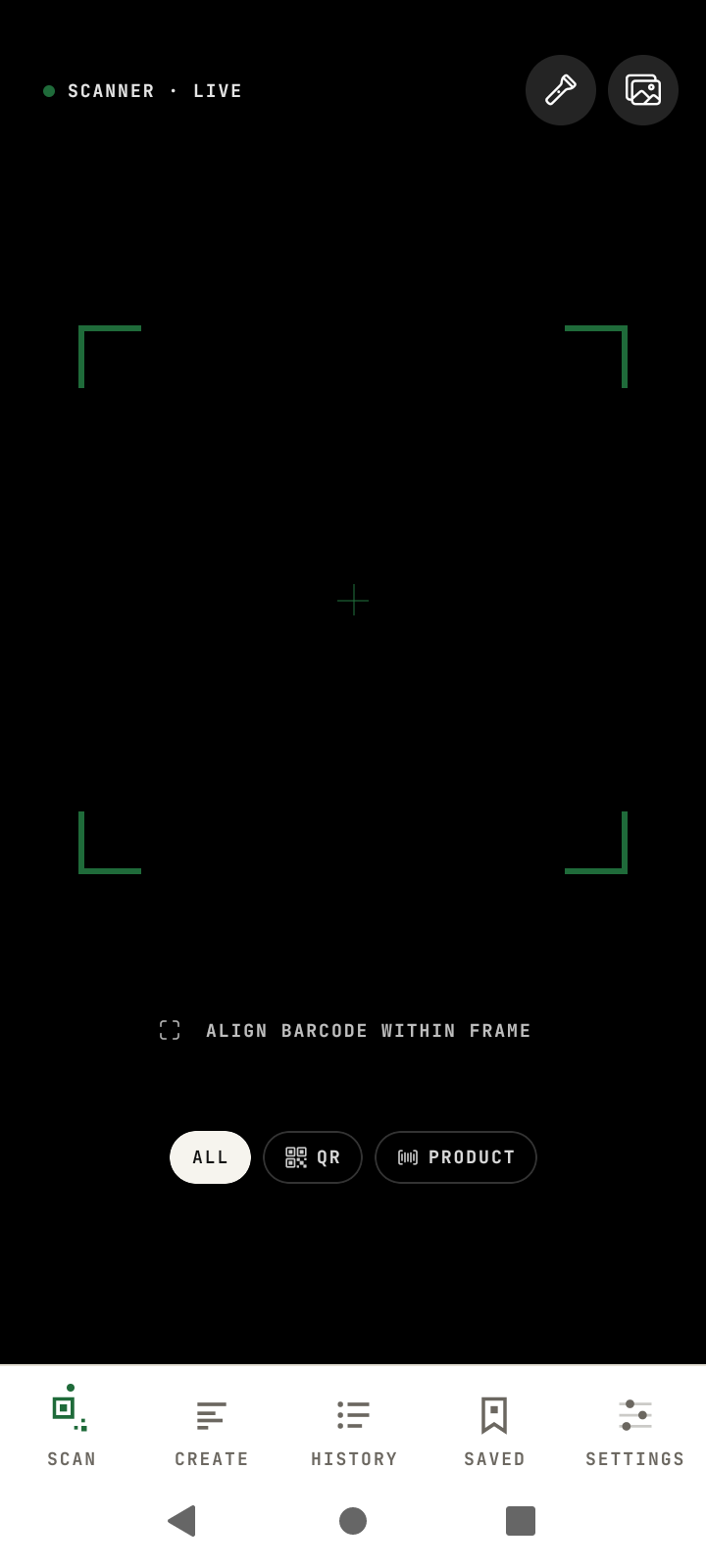 Scan any code in under a second — 12+ formats, fully offline
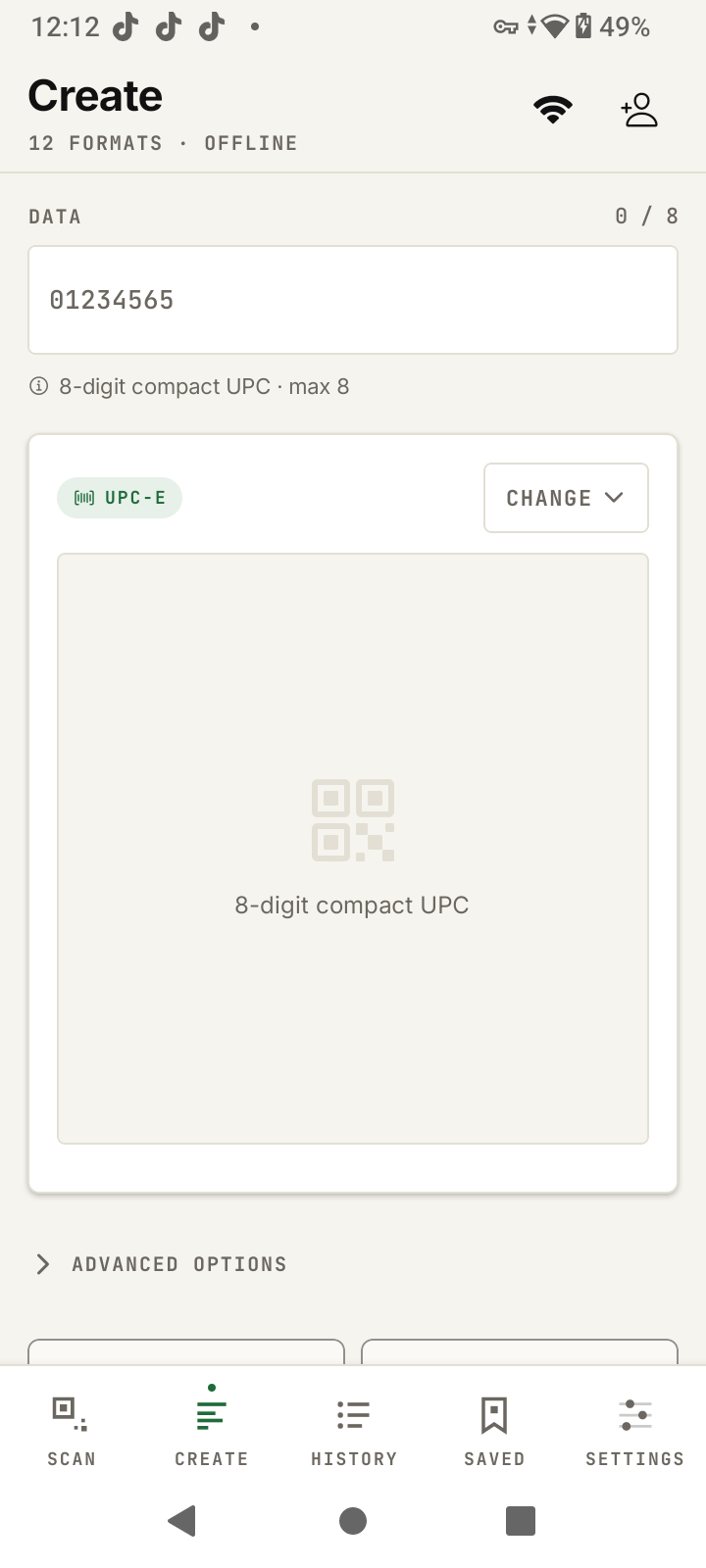 Create tab — scan and generate codes side by side in one barcode scanner app
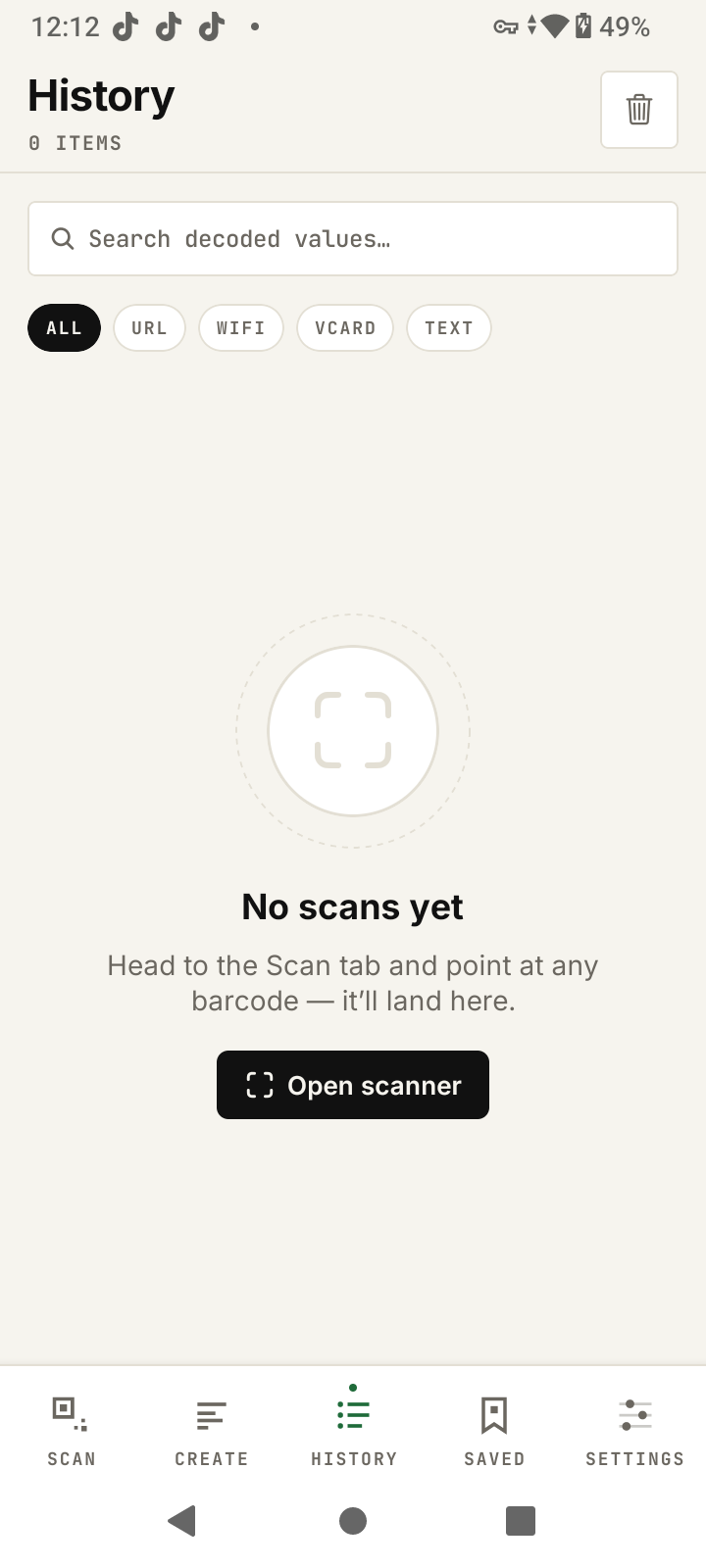 Every scan auto-saved — search, filter, and star any result
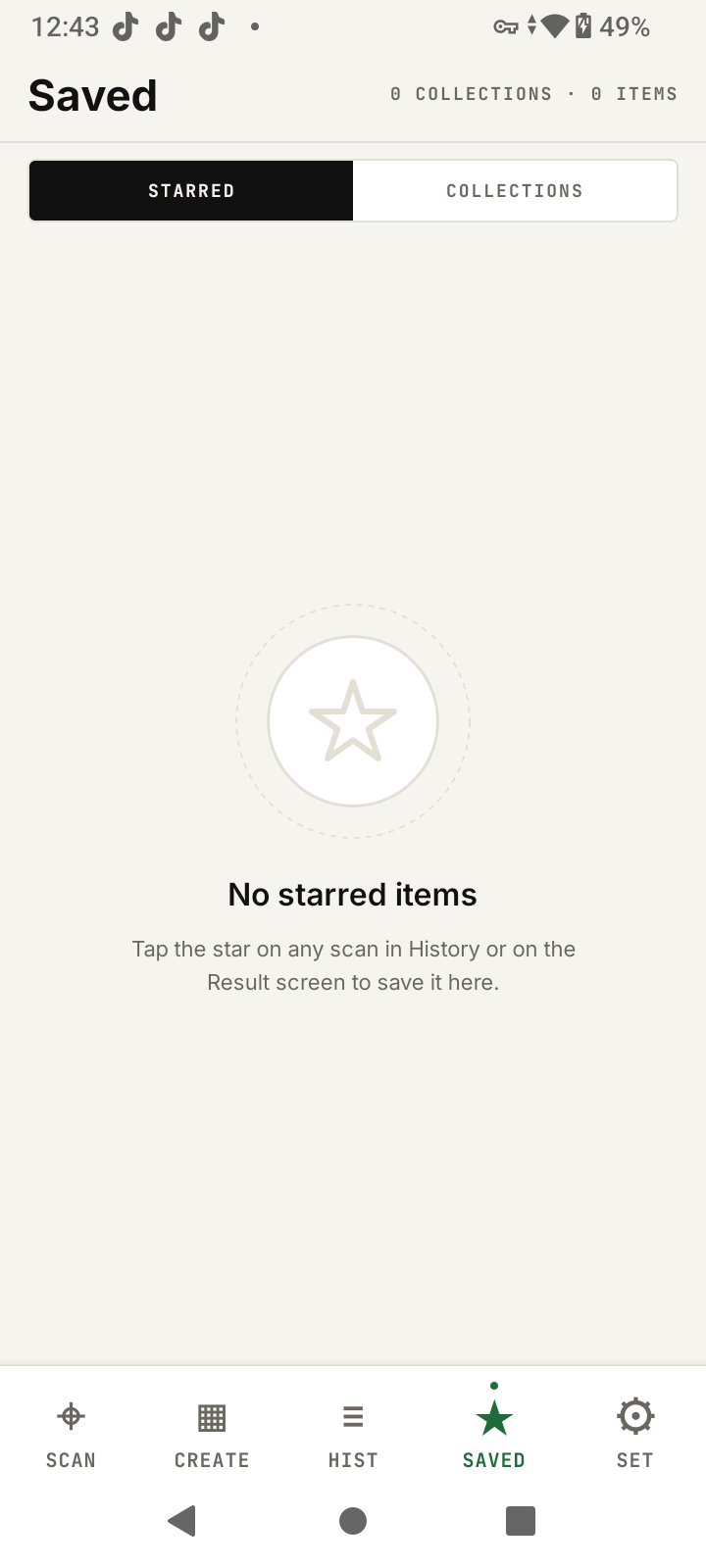 Collections keep scans organized by project, client, or inventory lot
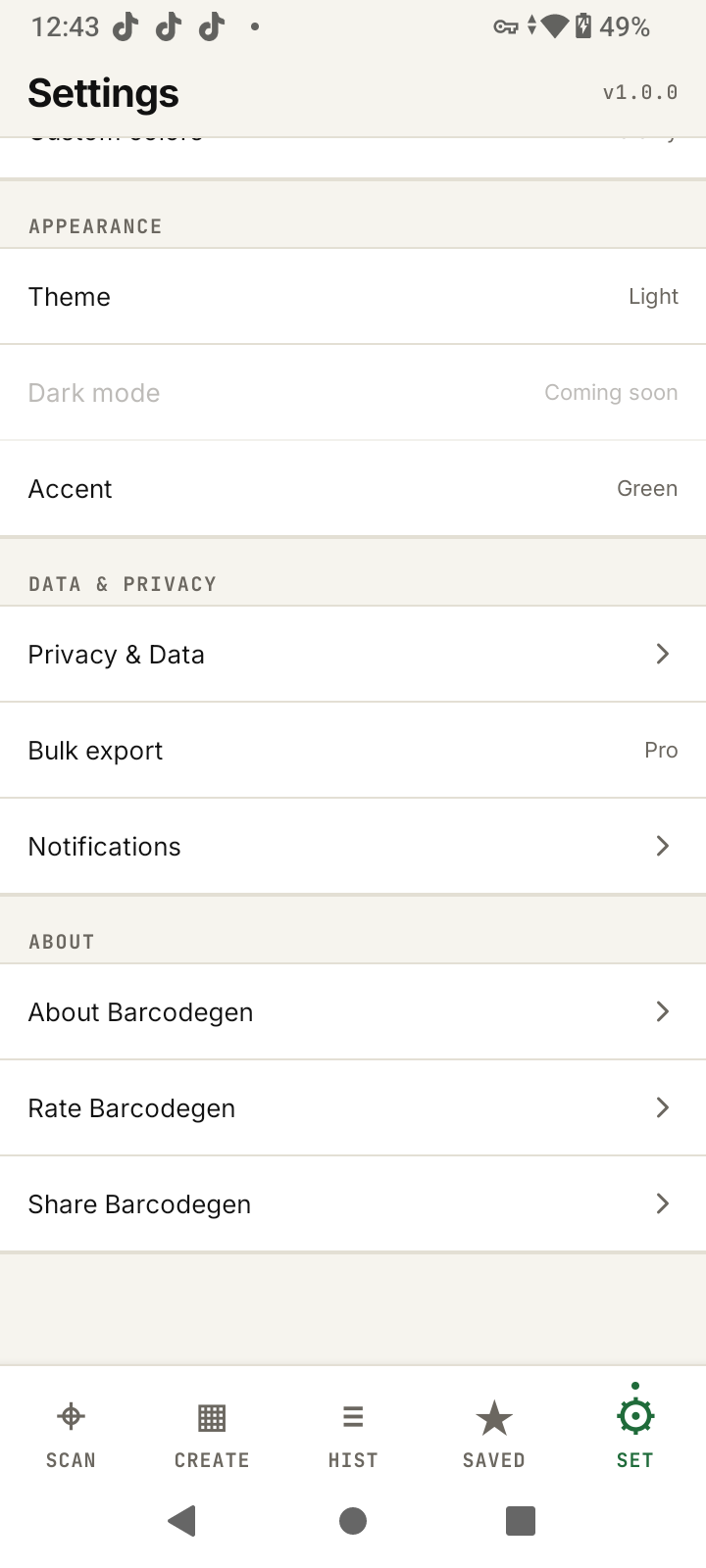 Settings — zero data leaves your device, offline by design
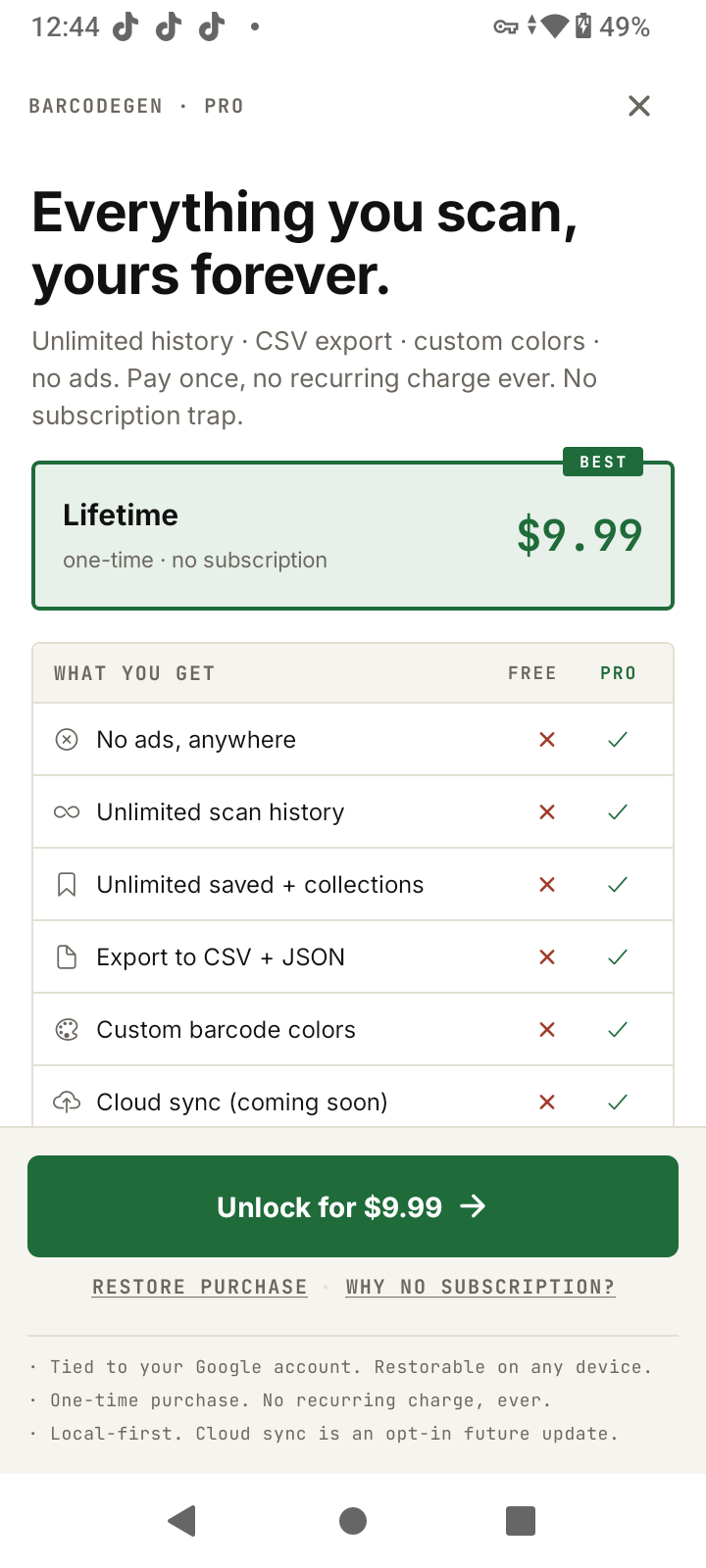 Unlock once for $9.99 — no subscription, no auto-renewal, ever
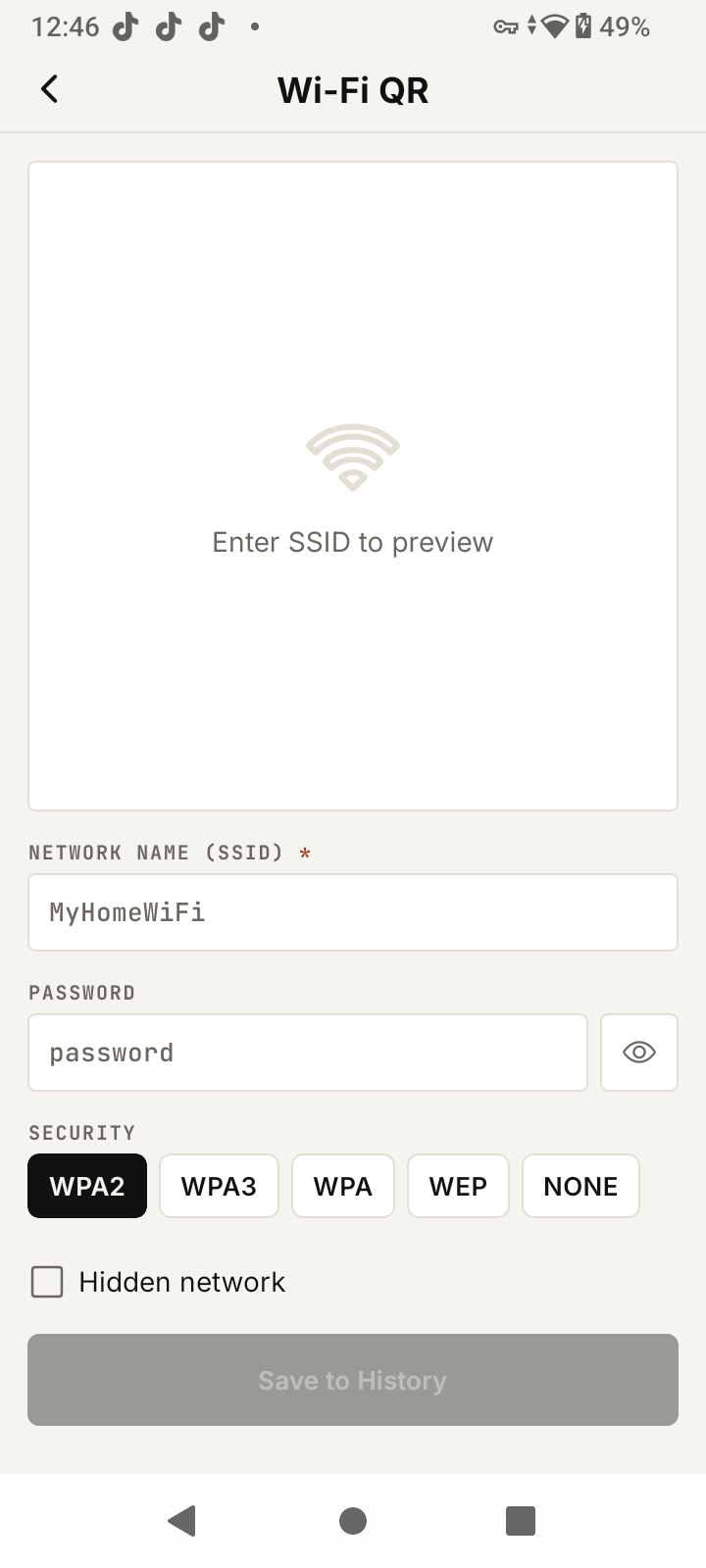 Wi-Fi wizard — share your network without typing passwords
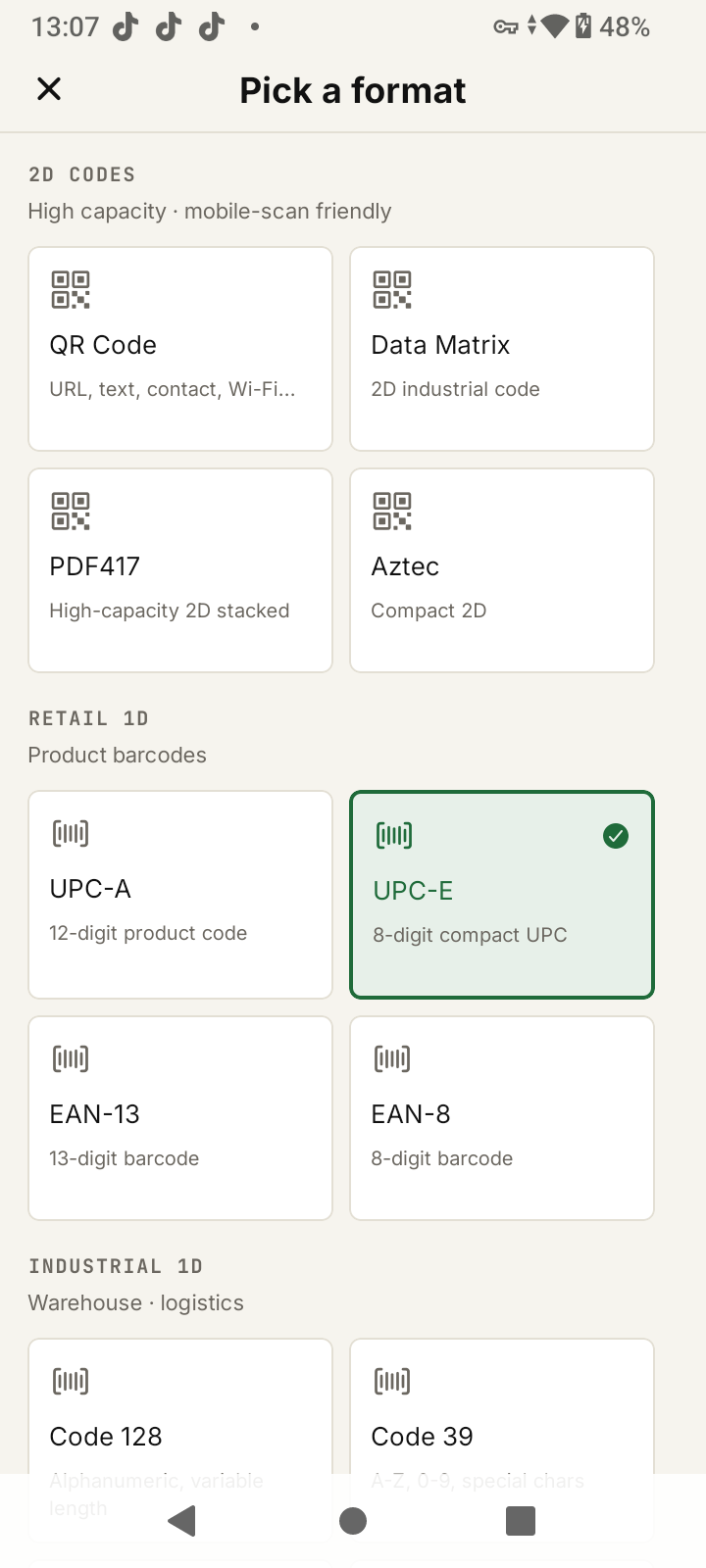 13 formats including UPC, EAN, Code 128, Data Matrix, PDF417, and Aztec
Web Version vs App — Feature Comparison
The free web generator at barcodegen.org is not going away. The app expands on it for mobile workflows that the browser cannot serve cleanly — anything that needs a camera, an always-available local history, or export.
| Feature | Web (free) | App (Free) | App (Pro $9.99) |
|---|---|---|---|
| Generate 13 barcode formats | Unlimited | Unlimited | Unlimited |
| Camera barcode scanner | – | Unlimited | Unlimited |
| Offline generation | – | Yes | Yes |
| Smart actions (Open URL, Join Wi-Fi, Add Contact) | – | Yes | Yes |
| Searchable local history | – | Free-tier cap | Unlimited |
| Saved items + collections | – | Free-tier cap | Unlimited |
| CSV + JSON bulk export | – | – | Yes |
| Custom barcode colors | – | – | Yes |
| Banner ads | None | Yes | None |
| Cloud history sync | – | – | Coming soon |
Simple Pricing — No Subscriptions
Every other barcode scanner app on Google Play charges monthly. Barcodegen does not. Two tiers: free forever, or one-time Pro unlock. No auto-renewal, no trial-to-paid traps, no surprise weekly charges.
- Unlimited camera scanning
- Unlimited barcode generation
- Local history (free-tier cap)
- Smart actions on scan
- Banner ads
- Everything in Free
- Unlimited history + saved items
- CSV + JSON export
- Custom barcode colors
- No banner ads
Refunds handled by Google Play (2-hour automatic, up to 14-day request for managed products). The iPhone version ships after Android launch and uses the same one-time $9.99 unlock.
On the Roadmap
Barcodegen 1.0 focuses on scan, generate, and history. These post-launch updates are planned once the core is stable in the wild:
- iPhone release (iOS 16+)
- Cloud history sync
- Android share extension (URL → QR)
- Native AirPrint / Mopria printing
- Bluetooth thermal printer support
- Product name lookup (UPC/EAN)
Roadmap items are plans, not commitments. The free tier stays free and Pro never changes price — new Pro features land as updates to the existing purchase.
Keep Using the Free Web Generator
If you mostly generate barcodes from a desktop, the web site stays unlimited and ad-free. The app is the right pick when you need scanning, offline mode, or history export from a phone. Web tools are linked below:
- Main barcode generator — all 13 formats in one tool
- UPC barcode generator — retail product codes
- EAN barcode generator — international retail
- Code 128 generator — shipping and logistics
- QR code generator — URL, WiFi, vCard
- Data Matrix generator — compact 2D for small parts
- Bulk barcode generator — CSV batch on the web
Barcode Scanner App FAQ
Common questions from people choosing between standalone barcode scanner apps and generator apps, and how the Barcodegen Android app answers privacy, offline use, platform availability, and export concerns.